YouTube is one of the biggest websites for videos. Millions of people watch videos every day. If you want people to see your videos, you need to use the right words. These words are called keywords. Keywords help your videos show up when people search on YouTube.
Finding the best keywords can be tricky. But there are many tools to help you. In this article, we will talk about the best tools for YouTube keyword research. You will learn how to find words that people search for. This will help your videos get more views.
Why Are Keywords Important for YouTube?
Keywords tell YouTube what your video is about. When someone types a word or phrase, YouTube shows videos with those words. If you use good keywords, your video will appear in search results. This means more people can find your video.
Without good keywords, your video may stay hidden. No matter how good your video is, it won’t get views if people can’t find it.
What Makes a Good Keyword?
- Popular: Many people search for it.
- Relevant: It matches your video topic.
- Not too hard: You can compete with other videos.
Good keywords help your video rank higher. Ranking means your video appears near the top in search results.
Top Tools for YouTube Keyword Research
Here are some of the best tools you can use. They help find good keywords for your videos.
1. Youtube Search Suggestions
This is a free and easy way to find keywords. When you start typing in YouTube’s search box, it shows suggestions. These are popular search terms related to what you type.
How to use:
- Go to YouTube.
- Type a word related to your video.
- Look at the list of suggestions.
- Write down the keywords you like.
This tool is simple but useful. It shows real searches from people.
2. Tubebuddy
TubeBuddy is a popular tool for YouTube creators. It helps find keywords and gives ideas for your video titles and tags.
Key features:
- Keyword scores to see how good a keyword is.
- Competition data to know how hard it is to rank.
- Ideas for related keywords.
You can use TubeBuddy as a browser extension. It works inside YouTube for easy access.
3. Vidiq
VidIQ is another tool made for YouTube keyword research. It gives detailed information about keywords and videos.
What VidIQ offers:
- Keyword search volume to see how often people search for a word.
- Competition score to check how many videos use the keyword.
- Trending videos and keywords to find popular topics.
VidIQ also comes as a browser extension. It helps you see data directly on YouTube.
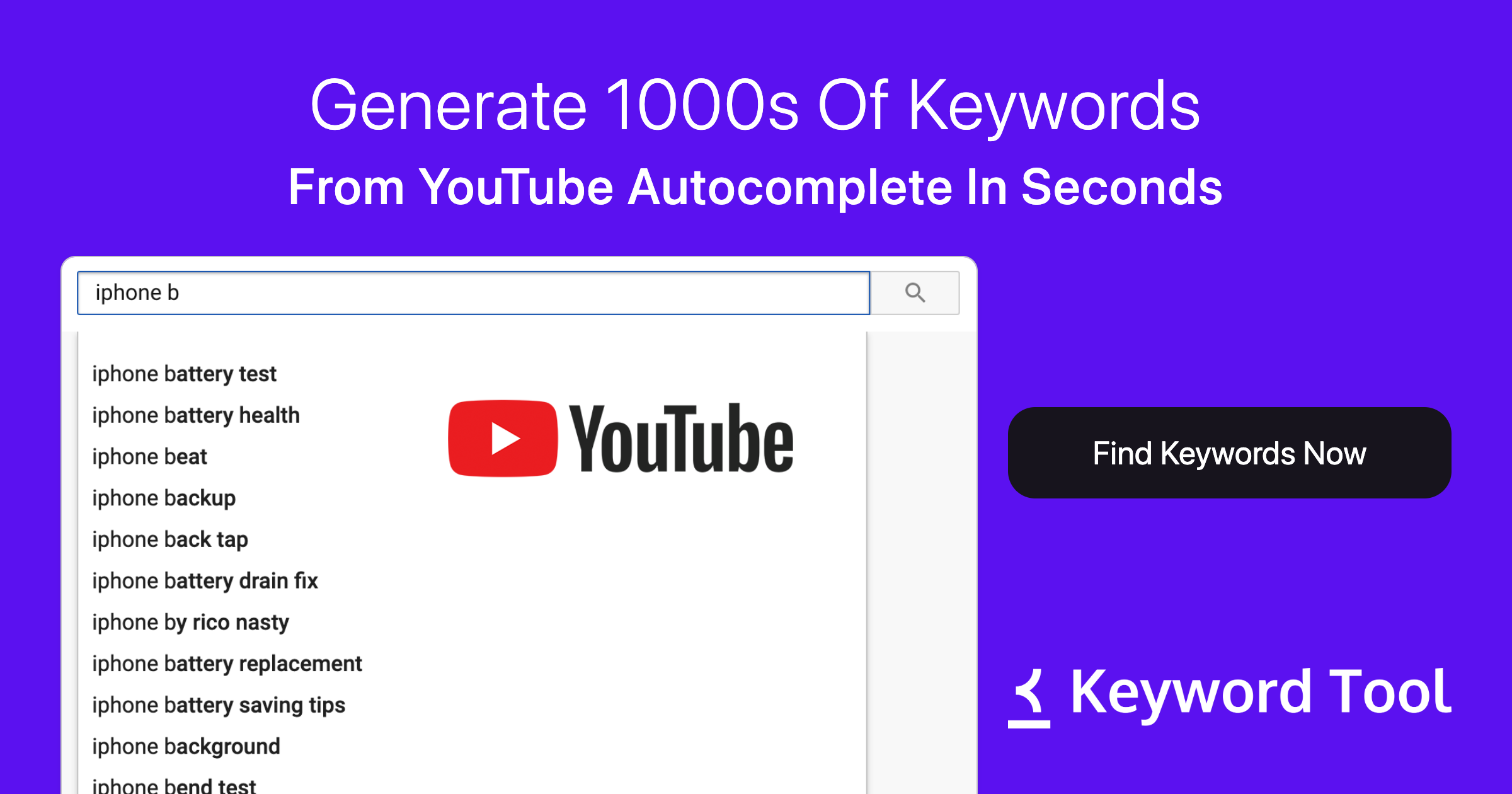
4. Keyword Tool (keywordtool.io)
This tool works for many platforms, including YouTube. It gives long lists of keyword ideas based on your main word.
How it works:
- Type a word or phrase.
- Keyword Tool shows many related keywords.
- You get ideas for titles, tags, and descriptions.
The free version gives many keyword ideas. The paid version shows more data like search volume.
5. Morningfame
Morningfame helps new YouTubers find keywords and improve their videos. It shows simple scores for keywords.
Benefits of Morningfame:
- Easy to understand keyword scores.
- Advice on tags and titles.
- Track your video performance over time.
This tool is good if you want simple help without too many details.
6. Google Trends
Google Trends shows how popular a keyword is over time. You can see if a topic is becoming more or less popular.
How to use Google Trends for YouTube:
- Go to Google Trends website.
- Type a keyword related to your video.
- Choose “YouTube Search” as the search type.
- See how interest changes over time.
This tool helps you pick keywords that are currently popular.
Credit: keywordtool.io
How to Choose the Right Tool
Each tool has its own strengths. You should pick one or two that fit your needs.
Think about these points:
| Tool | Best For | Cost | Ease of Use |
|---|---|---|---|
| YouTube Search Suggestions | Free and quick ideas | Free | Very easy |
| TubeBuddy | Detailed keyword scores | Free & Paid | Easy |
| VidIQ | Competition and trending data | Free & Paid | Easy |
| Keyword Tool | Many keyword ideas | Free & Paid | Moderate |
| Morningfame | Simple keyword scores | Paid (trial available) | Easy |
| Google Trends | Popularity over time | Free | Moderate |

Credit: rankmath.com
Tips for Using Keywords on YouTube
Using the right tools is only the first step. You also need to use keywords well.
- Title: Put your main keyword in the video title.
- Description: Write a clear description using keywords.
- Tags: Add related keywords as tags.
- Video content: Talk about your keywords in the video.
Good keywords make your video easier to find. But your video should also be interesting and helpful.
Frequently Asked Questions
What Is The Best Tool For Youtube Keyword Research?
TubeBuddy and VidIQ are top tools for finding popular YouTube keywords easily.
How Do Youtube Keyword Tools Improve Video Ranking?
They help find keywords people search for, boosting video visibility on YouTube.
Can Free Tools Provide Accurate Youtube Keyword Data?
Yes, free tools like Keyword Tool offer useful keyword ideas with limited features.
Why Is Keyword Research Important For Youtube Videos?
Keywords help your video appear in search results and attract the right viewers.
Conclusion
Finding the right keywords is important for YouTube success. You can use free tools like YouTube Search Suggestions and Google Trends. Or try tools like TubeBuddy and VidIQ for more information.
Remember to choose keywords that people search for. Use keywords in your title, description, and tags. This helps your video get more views and grow your audience.
Start using these tools today. Find the best words for your videos. Help more people find and enjoy your content on YouTube.