Creating videos is easier today. AI video tools help make videos fast. But there are many tools. Some are free. Others need money. Which one should you pick? This article will help you understand the difference between free and paid AI video tools.
What Are AI Video Tools?
AI video tools use smart computer programs. They help make videos. These tools can do many things:
- Turn text into video
- Add voice to videos
- Edit videos automatically
- Add effects and animations
Using these tools saves time. You don’t need to be a video expert.
Free AI Video Tools
Free AI video tools do not cost money. Anyone can use them. They are great for beginners or small projects.
Advantages Of Free Ai Video Tools
- No Cost: You don’t pay anything to use them.
- Easy to Start: Good for learning video making.
- Basic Features: Often have simple tools for editing.
- Good for Small Projects: Perfect for school or small work.
Disadvantages Of Free Ai Video Tools
- Limited Features: May not have advanced editing options.
- Watermarks: Videos may have the tool’s logo.
- Video Quality: Sometimes videos are low quality.
- Limited Usage Time: Some tools have time limits.
- Fewer Templates: Limited video styles to choose from.
Popular Free Ai Video Tools
| Tool Name | Features | Limitations |
|---|---|---|
| Kapwing | Easy editing, subtitles, text to video | Watermark on free videos |
| Lumen5 | Text to video, many templates | Limited video length |
| InVideo | Video templates, voiceover tools | Watermark on free videos |
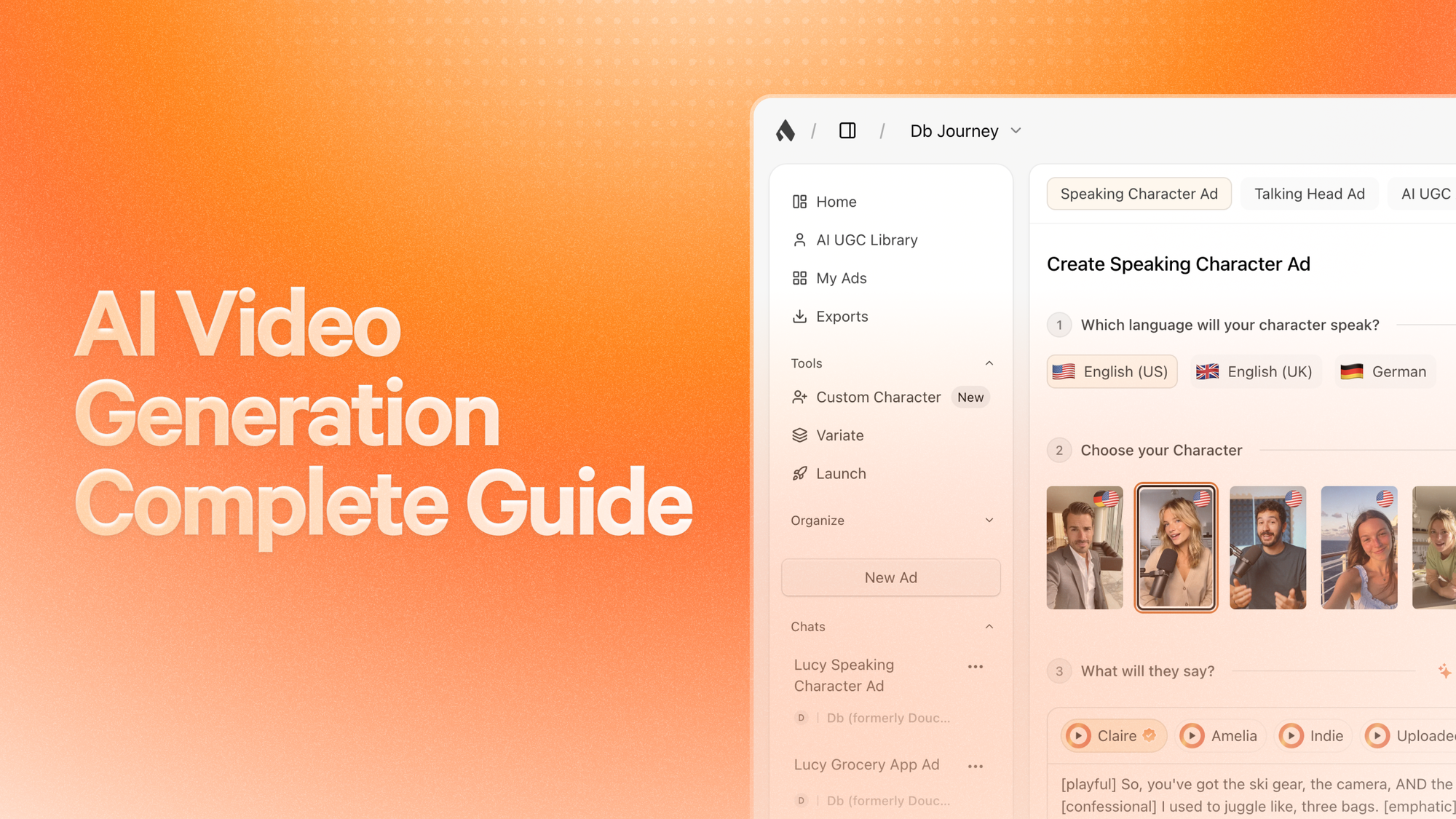
Credit: superscale.ai
Paid AI Video Tools
Paid AI video tools require payment. They offer more features and control. Many businesses use them for professional videos.
Advantages Of Paid Ai Video Tools
- More Features: Many editing tools and effects.
- Better Quality: High-resolution videos.
- No Watermarks: Videos look clean and professional.
- Longer Videos: No limits on video length.
- More Templates: Large library of video styles.
- Customer Support: Help is available when needed.
Disadvantages Of Paid Ai Video Tools
- Cost: You must pay monthly or yearly.
- Learning Curve: Some tools can be complex.
- Subscription Required: Need to pay to keep using.
Popular Paid Ai Video Tools
| Tool Name | Features | Price Range |
|---|---|---|
| Adobe Premiere Pro | Advanced editing, effects, color control | Starts at $20.99/month |
| Animoto | Easy video creation, templates, music | Starts at $15/month |
| Filmora | Simple interface, many effects, AI tools | One-time $69.99 or subscription |
How to Choose Between Free and Paid AI Video Tools?
Choosing the right tool depends on your needs. Ask yourself these questions:
- What is my budget?
- How often will I make videos?
- Do I want simple or advanced features?
- Is video quality important to me?
- Do I need support when I get stuck?
If You Are A Beginner Or Hobbyist
Start with free tools. They help you learn video making. You can try many features without paying. When you feel ready, move to paid tools.
If You Need Videos For Work Or Business
Paid tools are better. They give good quality and options. Your videos will look more professional. You also get help if you need it.
Key Differences Between Free and Paid AI Video Tools
| Feature | Free AI Tools | Paid AI Tools |
|---|---|---|
| Cost | No cost | Monthly or yearly fee |
| Video Quality | Low to medium | High resolution |
| Watermarks | Usually present | None |
| Editing Features | Basic tools | Advanced tools |
| Templates | Few options | Many options |
| Customer Support | Limited or none | Available |
| Usage Limits | May have limits on time or videos | No limits |
Tips to Get the Most from AI Video Tools
- Try free tools first to learn basics.
- Watch tutorials to understand features.
- Plan your video before starting.
- Use good quality images and sound.
- Keep videos short and clear.
- Check if the tool fits your needs.
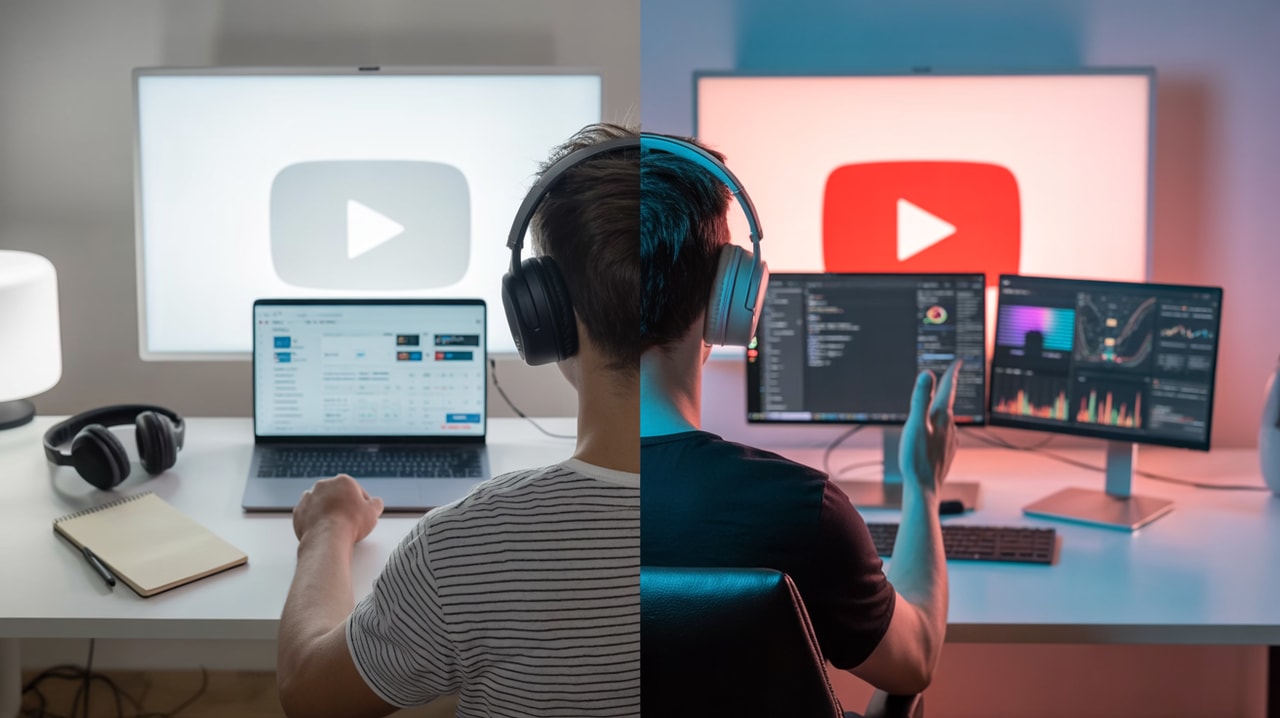
Credit: subscribr.ai
Frequently Asked Questions
What Are The Main Differences Between Free And Paid Ai Video Tools?
Free tools offer basic features with limits, while paid tools provide more options and higher quality.
Can Free Ai Video Tools Meet Professional Video Needs?
Free tools work for simple videos but may lack advanced editing and effects for professionals.
How Does Video Quality Compare In Free Vs Paid Ai Tools?
Paid tools usually deliver better video resolution and smoother playback than free versions.
Are There Hidden Costs In Free Ai Video Video Tools?
Some free tools add watermarks or limit video length, which can be restrictive.
Conclusion
Both free and paid AI video tools have good uses. Free tools work well for beginners and small projects. Paid tools help make professional and high-quality videos. Think about your needs and budget before choosing. Start simple, then grow your skills. AI video tools can make video creation easier for everyone.